Print Login Audit Trail
| Access |
| Grant permission to User Profiles in Access User Profiles > select a User Profile > Security > EFC Administration > System Secruity > Print Login Audit Trail. |
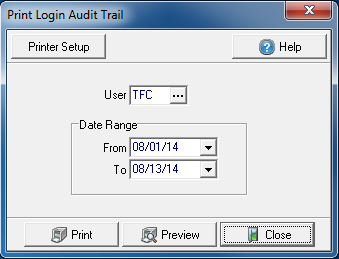
Create Your Report
Enter the User ID or select  to search.
Create a Date Range
- From- Enter a starting date
- To- Enter an ending date
Select Preview to view the report onscreen.
Select Print to send the report directly to the default printer.
View a sample report here.